📩 Complaints
View all complaints and reports submitted by users from within the app.
How to Access:
Sidebar ← Users ← Complaints
Complaints Table:
| Column | Description |
|---|---|
| Complaint ID | Unique identifier |
| User Information | Name, photo, UUID, phone 📞 |
| Contact | Contact number |
| Problem | Problem category |
| Description | Problem description |
| Image | Attached evidence |
| Status | yes 🟢 (reviewed) or no 🔴 (pending) |
| Actions | Options menu (⋮) |
Status:
- no 🔴 — Not yet reviewed
- yes 🟢 — Reviewed
Melihat Detail Keluhan:
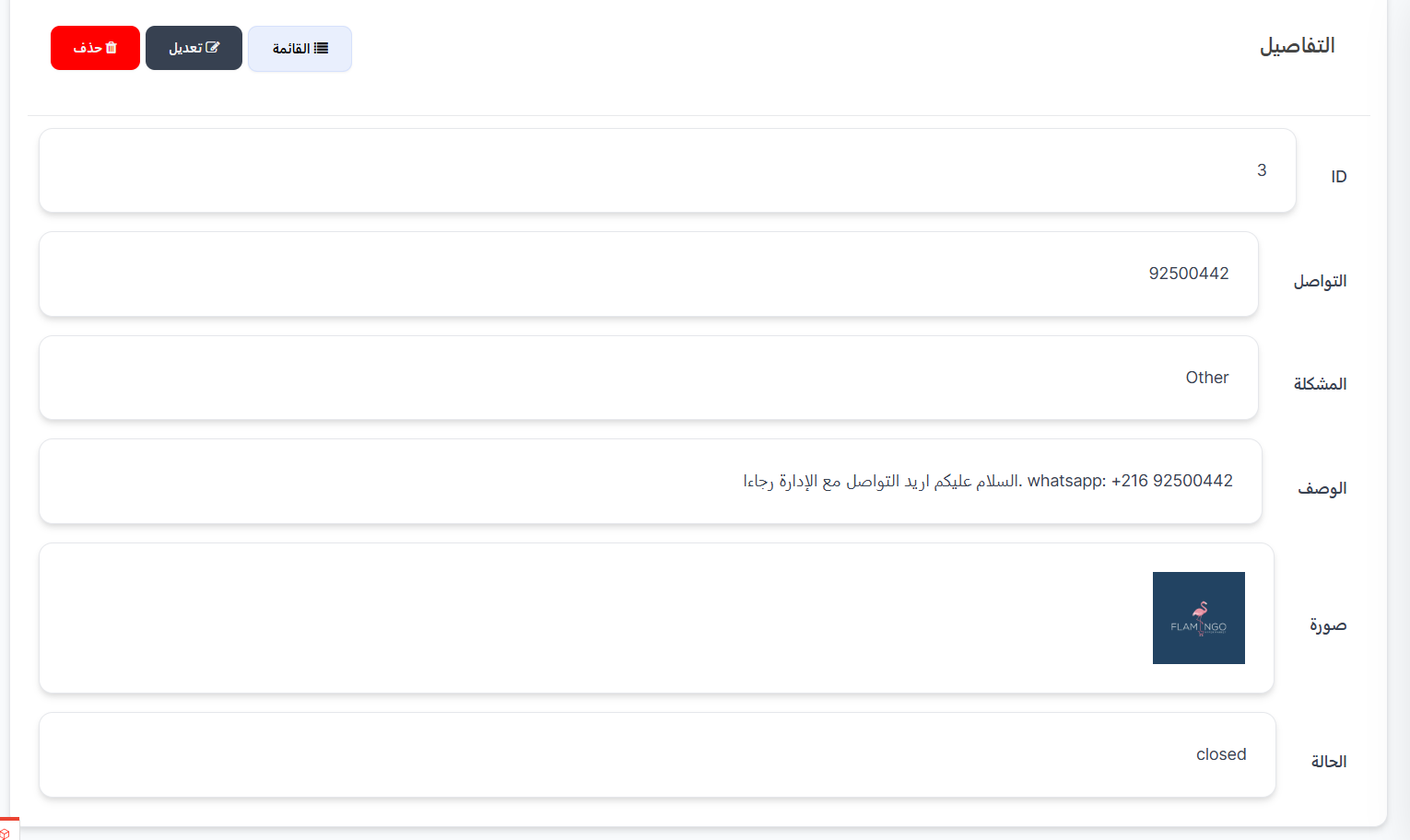
Dari kolom Tindakan (⋮), klik Lihat untuk membuka halaman detail lengkap keluhan. Halaman menampilkan semua informasi dalam bidang terpisah:
| Bidang | Deskripsi |
|---|---|
| ID | Nomor identifikasi unik untuk keluhan |
| Kontak | Nomor kontak yang dimasukkan pengguna (telepon / WhatsApp) |
| Masalah | Klasifikasi jenis masalah (contoh: Other) |
| Deskripsi | Teks lengkap keluhan yang ditulis pengguna |
| Gambar | Gambar terlampir sebagai bukti masalah (jika ada) |
| Status | Status keluhan saat ini (open / closed) |
Tombol yang Tersedia:
| Tombol | Deskripsi |
|---|---|
| 📋 Daftar | Kembali ke daftar semua keluhan |
| ✏️ Edit | Buka halaman edit keluhan untuk memperbarui status atau data |
| 🗑️ Hapus | Hapus keluhan secara permanen |
Steps:
- Open Complaints page
- Find no 🔴 complaints
- Read description & view image
- Contact user
- Change status to yes 🟢