💰 Users Wallet
The Users Wallet page displays salary financial details for each host since joining the app. You can track total salary, withdrawn amounts, and net salary remaining that the host can spend.
Access:
Sidebar → Agency System → Hosts System → Users Wallet
Top Buttons:
| Button | Description |
|---|---|
| 🔽 Filter | Open sorting and filtering options |
| 📊 Export Excel | Export wallet data to Excel file |
| 📋 Logs | View operation logs and records |
Search Filter:
| Filter | Description |
|---|---|
| Unique ID | Search by host's Special ID |
| Year | Filter by year |
| Month | Filter by month |
After entering data, press 🔍 Search to display results, or 🔄 Clear to reset the filter.
Wallet Table:
| Column | Description |
|---|---|
| Name | Host name with avatar and UUID |
| Net Salary | Actual remaining salary (Salary - Withdrawal) — the amount the host actually owns and can spend |
| Salary | Total salary earned by the host since joining the app |
| Withdrawal | Amount the host has withdrawn from their balance |
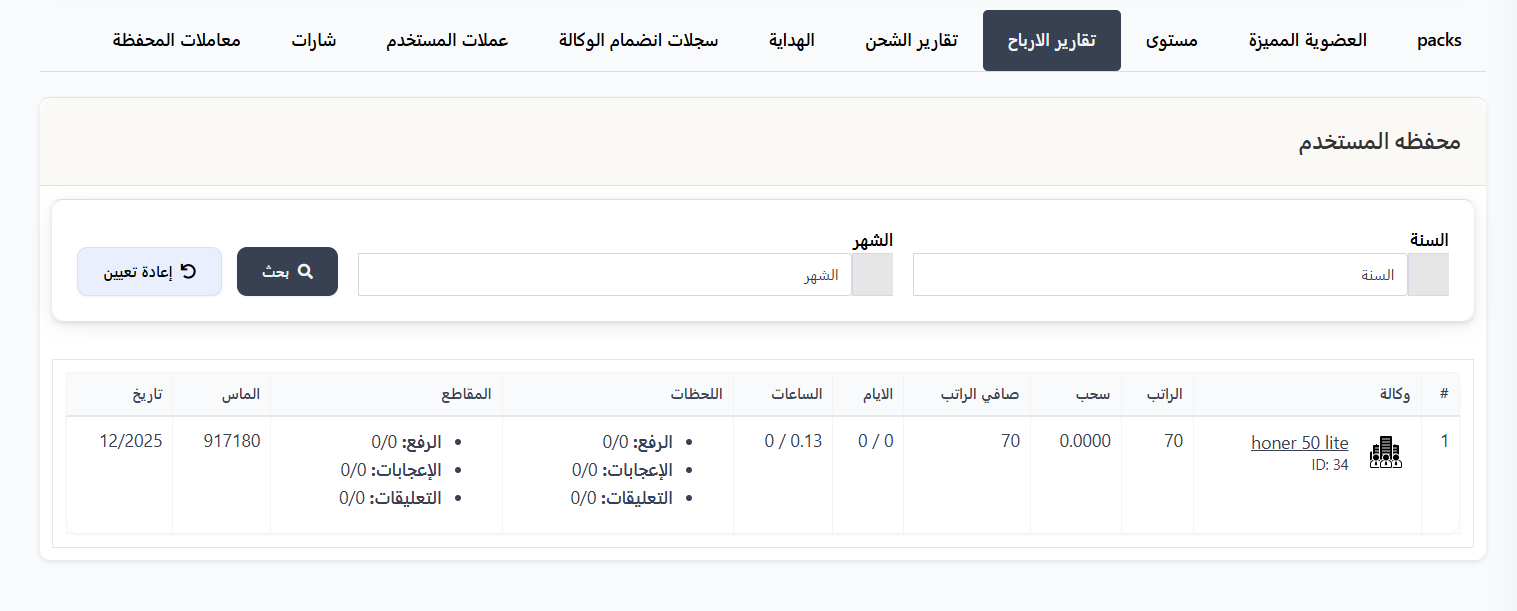
How is net salary calculated?
Net Salary = Salary - Withdrawal
- Salary: Total earnings since joining the app.
- Withdrawal: Amount withdrawn or spent.
- Net Salary: Remaining amount the host actually owns and can use.
Example:
| Name | Net Salary | Salary | Withdrawal |
|---|---|---|---|
| HUSSAM2 (UUID: 1999) | $160,010,000.82 | $160,010,677.94 | $677.13 |
| Ali Hassan (UUID: 1900271) | $0.62 | $1.62 | $1 |
| Sleem (UUID: 2906307) | $4.4 | $4.4 | $0 |
Side Details Panel:
On the right side of the page, a Details panel shows aggregate statistics for all hosts:
| Field | Description |
|---|---|
| Diamonds | Total diamonds for all hosts in the system |
| Total | Total salary for all hosts in the system |
Example:
| Field | Value |
|---|---|
| Diamonds | 44,838,662,463 |
| Total | 1,150,601,737.39 |
Note
- Diamonds represents the total number of diamonds earned by all hosts combined.
- Total represents the sum of salaries (in dollars) for all hosts combined.
Quick Summary:
| Action | Steps |
|---|---|
| View users wallet | Agency System → Hosts System → Users Wallet |
| Search by Special ID | Enter Special ID → Search |
| Filter by period | Select Year and/or Month → Search |
| Export data | Click Export Excel |
---
💰 Agency Wallets
The Agency Wallets page displays salary financial details for each agency since its creation. You can track total salary for each agency, withdrawn amounts, and net salary remaining that the agency owns.
Search Filter:
| Filter | Description |
|---|---|
| Unique ID | Search for agency or host by UUID |
| Year | Filter by year |
| Month | Filter by month |
After entering data, press 🔍 Search to display results, or 🔄 Clear to reset the filter.
Agency Wallets Table:
| Column | Description |
|---|---|
| Agency | Agency name with logo and ID number |
| Net Salary | Actual remaining salary (Salary - Withdrawal) — the amount the agency actually owns and can spend |
| Salary | Total salary earned by the agency since its creation |
| Withdrawal | Amount withdrawn from the agency's balance |
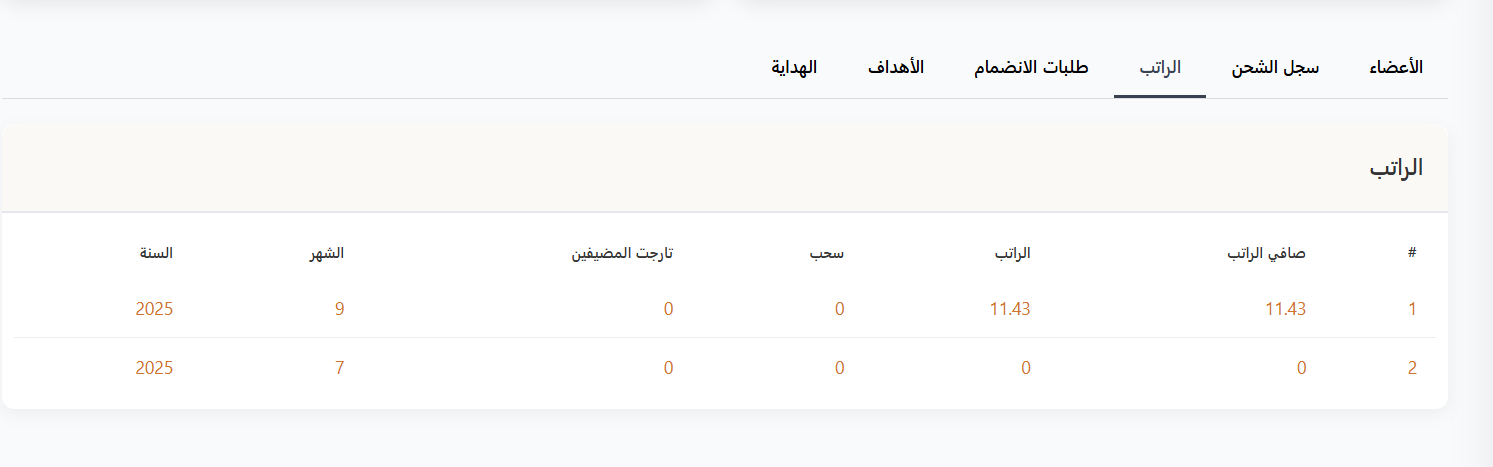
How is net salary calculated?
Net Salary = Salary - Withdrawal
- Salary: Total earnings since the agency was created.
- Withdrawal: Amount withdrawn or spent.
- Net Salary: Remaining amount the agency actually owns and can use.
Example:
| Agency | Net Salary | Salary | Withdrawal |
|---|---|---|---|
| Hussein Yasser (ID: 14) | $183.71 | $183.71 | $0 |
| honer 50 lite (ID: 34) | $32 | $32 | $0 |
| super user (ID: 37) | $0.56 | $0.56 | $0 |
Side Details Panel:
On the right side of the page, a Details panel shows aggregate statistics for all agencies:
| Field | Description |
|---|---|
| Total | Total salary for all agencies in the system |
Example:
| Field | Value |
|---|---|
| Total | 255,627.05 |
Note
Total represents the sum of salaries (in dollars) for all agencies combined.
Quick Summary:
| Action | Steps |
|---|---|
| View agency wallets | Agency System → Hosts System → Agency Wallets |
| Search by ID | Enter agency or host UUID → Search |
| Filter by period | Select Year and/or Month → Search |