🖥️ Country Manager Dashboard Overview
The Country Manager Dashboard is a dedicated interface that gives the country manager the ability to manage and monitor all operations related to their assigned country. Through it, the country manager can manage users, agencies, rooms, and more based on the permissions granted.
How to Access:
The Country Manager Dashboard is accessed via the dedicated link copied from the Country Managers management page.
Login:
After creating the country manager and obtaining the dashboard link, login using:
| Field | Description |
|---|---|
| Username | The username that was assigned when creating the country manager |
| Password | The password that was assigned when creating the country manager |
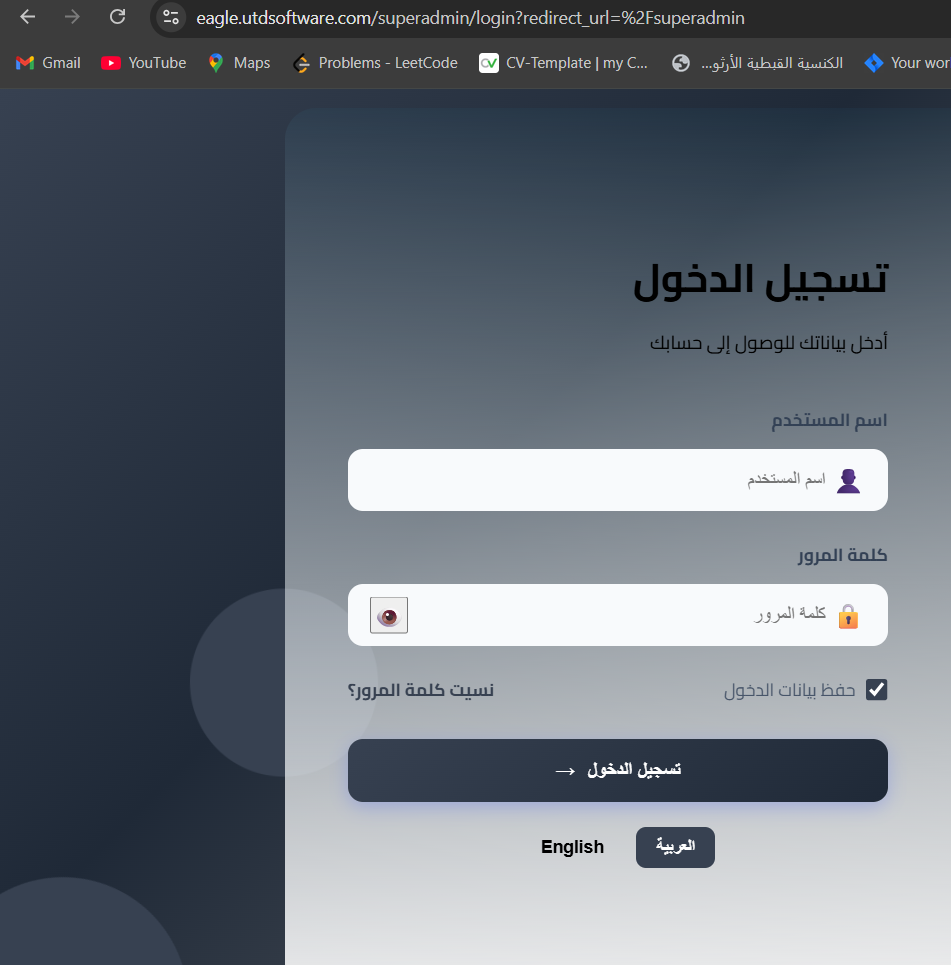
💡 Note: You can also save login credentials and choose the language (Arabic or English) from the login page.
Sidebar Menu:
The dashboard contains the following sidebar menu:
| Section | Description |
|---|---|
| 🏠 Dashboard | The main page displaying general statistics and overview |
| 💳 Charges | Manage charging and balance operations |
| 📊 BD | Manage the BD system |
| 👥 Users | View and manage users belonging to the country |
| 🏢 Agencies | View and manage agencies under the country, and create new host agencies |
| 🏠 Rooms | View and manage rooms belonging to the country |
| 📢 Announcements | Send announcements and alerts to agency owners, rooms, or users |
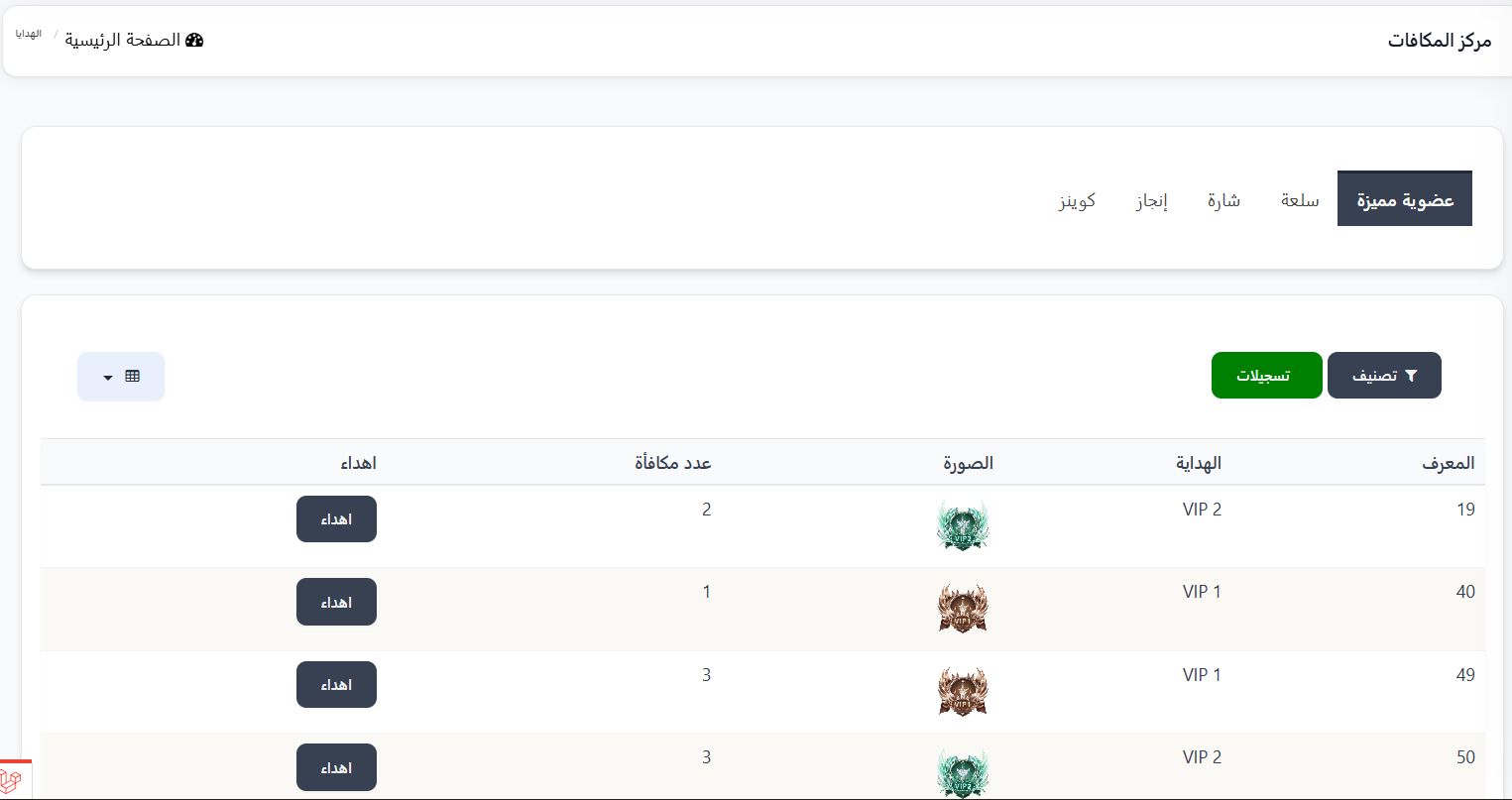
| 🎁 Gift Rewards | Send gifts and rewards to users |
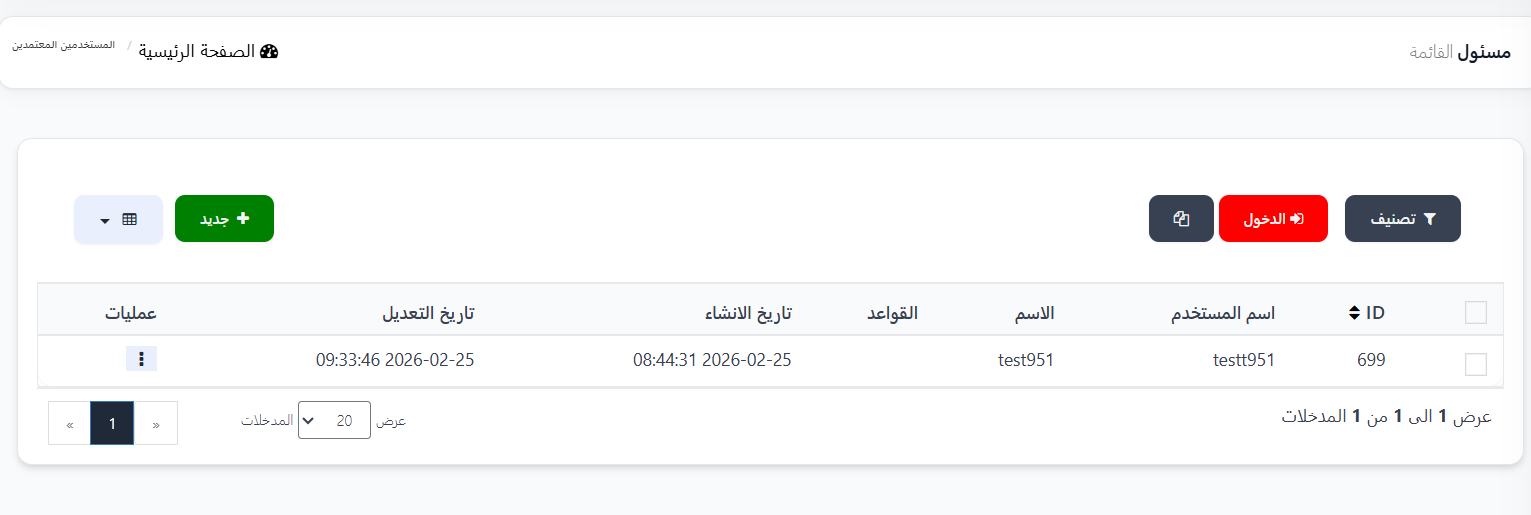
| 👨💼 Staff and Permissions | Manage staff and their permissions |
Main Page (Overview):
Tabs:
The main page contains the following tabs for data viewing:
| Tab | Description |
|---|---|
| Overview | General overview with key statistics |
| Users | View user details and statistics for the country |
| Rooms | View room details and statistics |
| Agencies | View agency details and statistics |
| BD | View BD data |
| Game | View game data |
Statistics Cards:
On the Overview page, statistics cards are displayed showing:
| Card | Description |
|---|---|
| Total Target | Total target value achieved in dollars |
| Total Charges | Total charging operations value in dollars |
| Total Payment Gateway Operations | Total amounts through payment gateways in dollars |
| Today's Gifts | Total value of gifts sent today in dollars |
Additional Sections:
- Latest Payment Operations: A table showing the most recent payment operations with details (number, gateway, amount, status, date).
- Charge Revenue: A chart displaying charge revenue over a time period (week/month).
What the Country Manager Can Do:
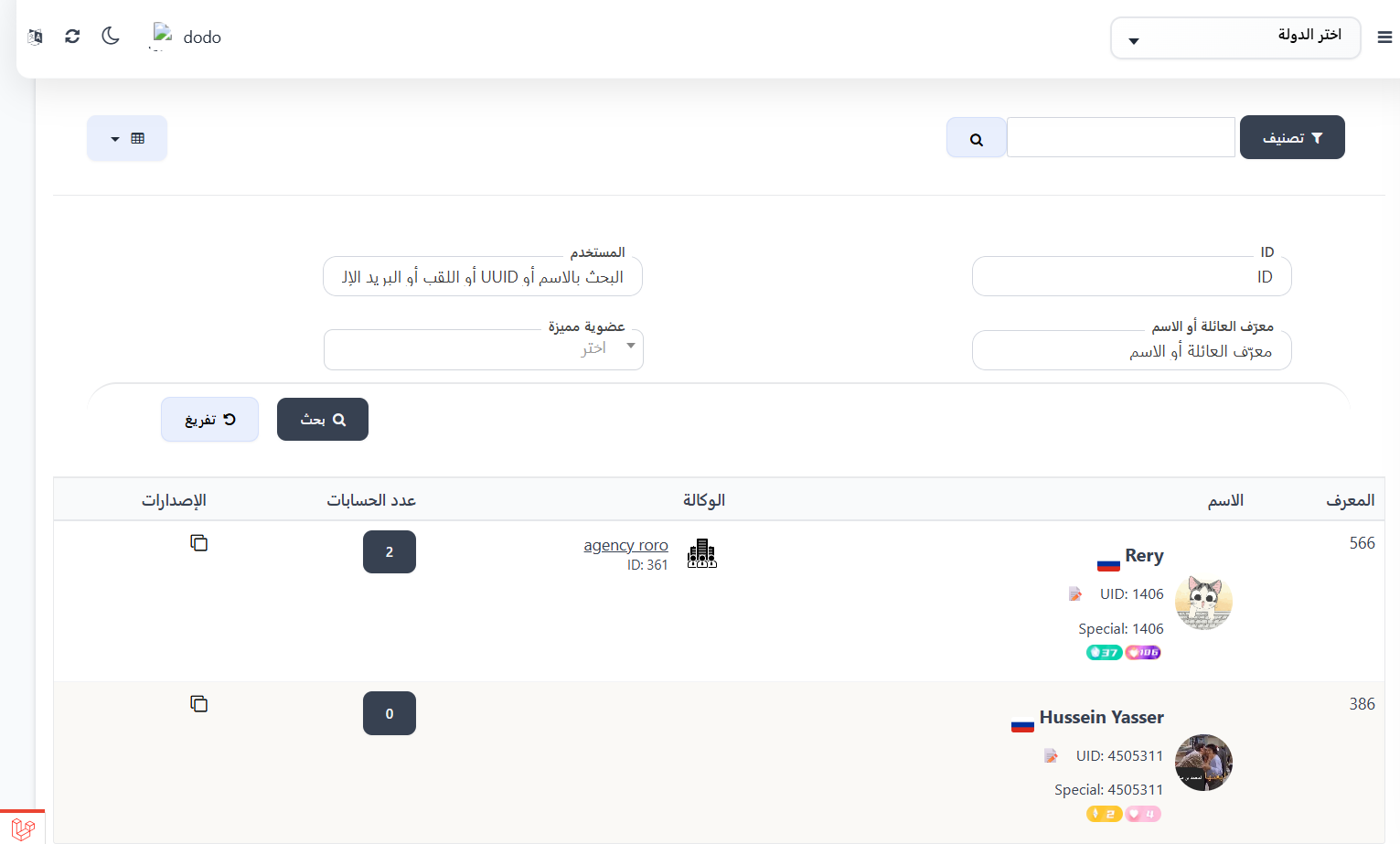
1. Manage Users 👥
View data and details of users belonging to their country, with the ability to browse, view details, create, or edit based on permissions.
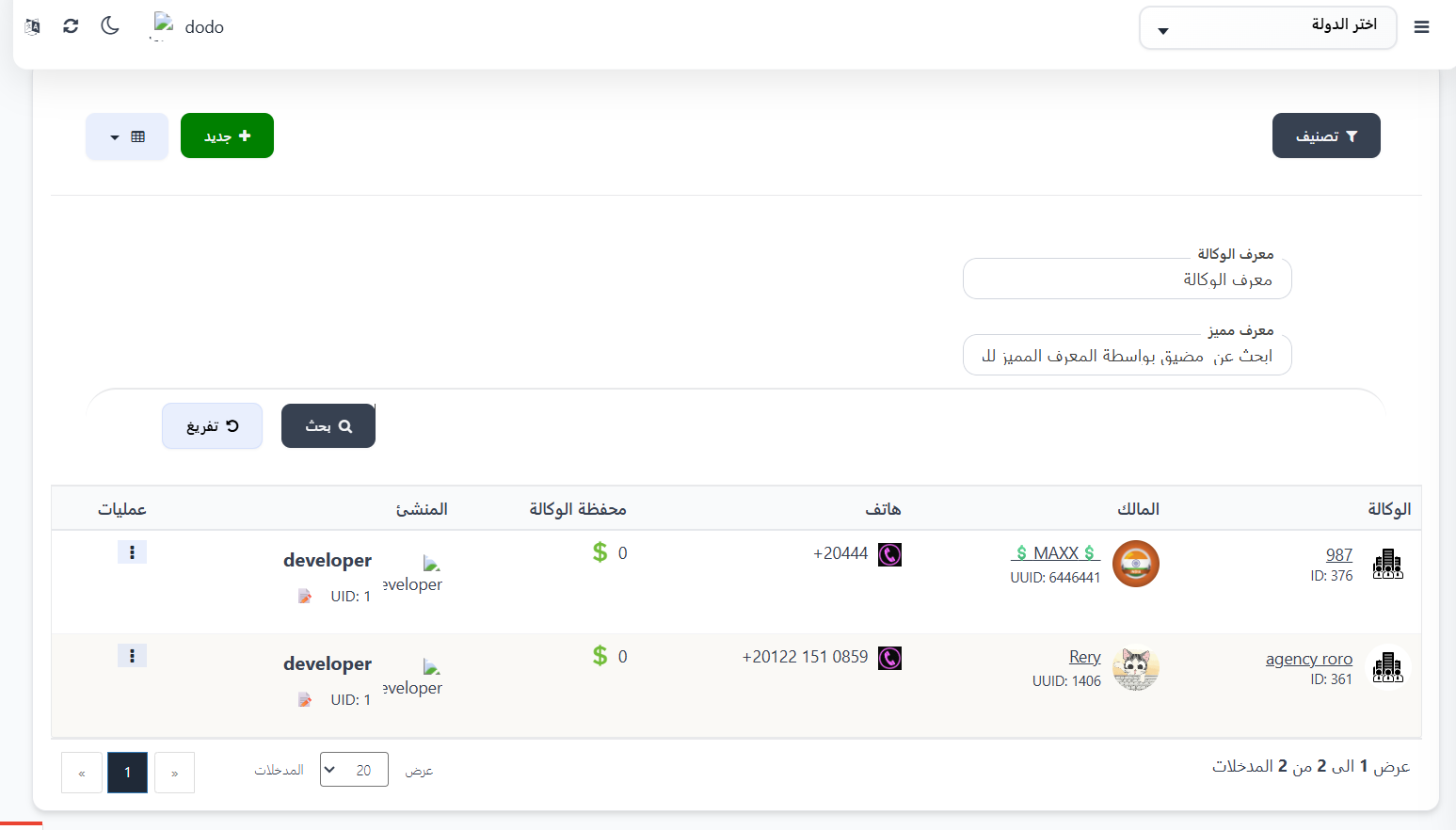
2. Manage Agencies 🏢
View agencies under their country, create new host agencies, and manage existing ones.
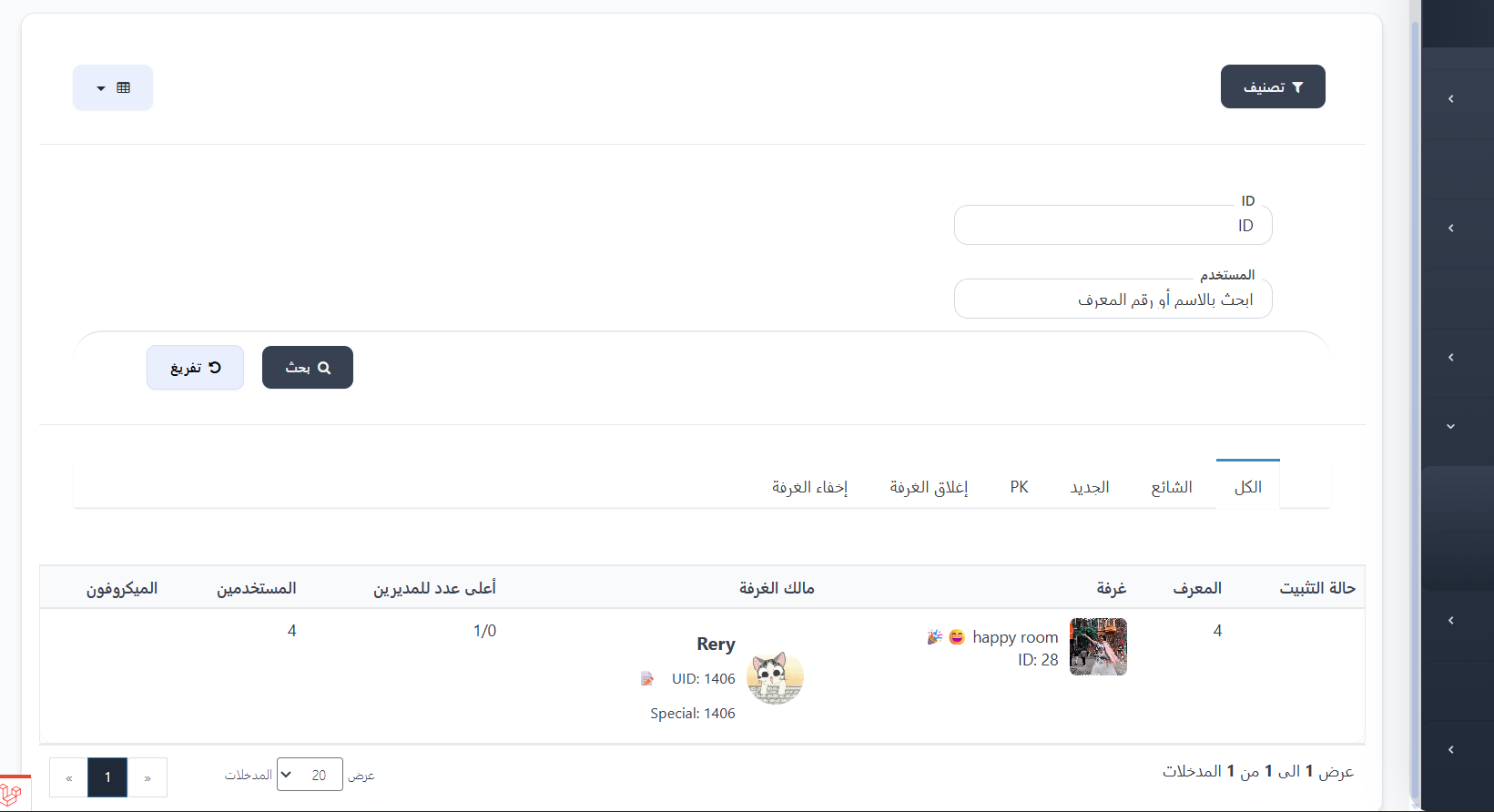
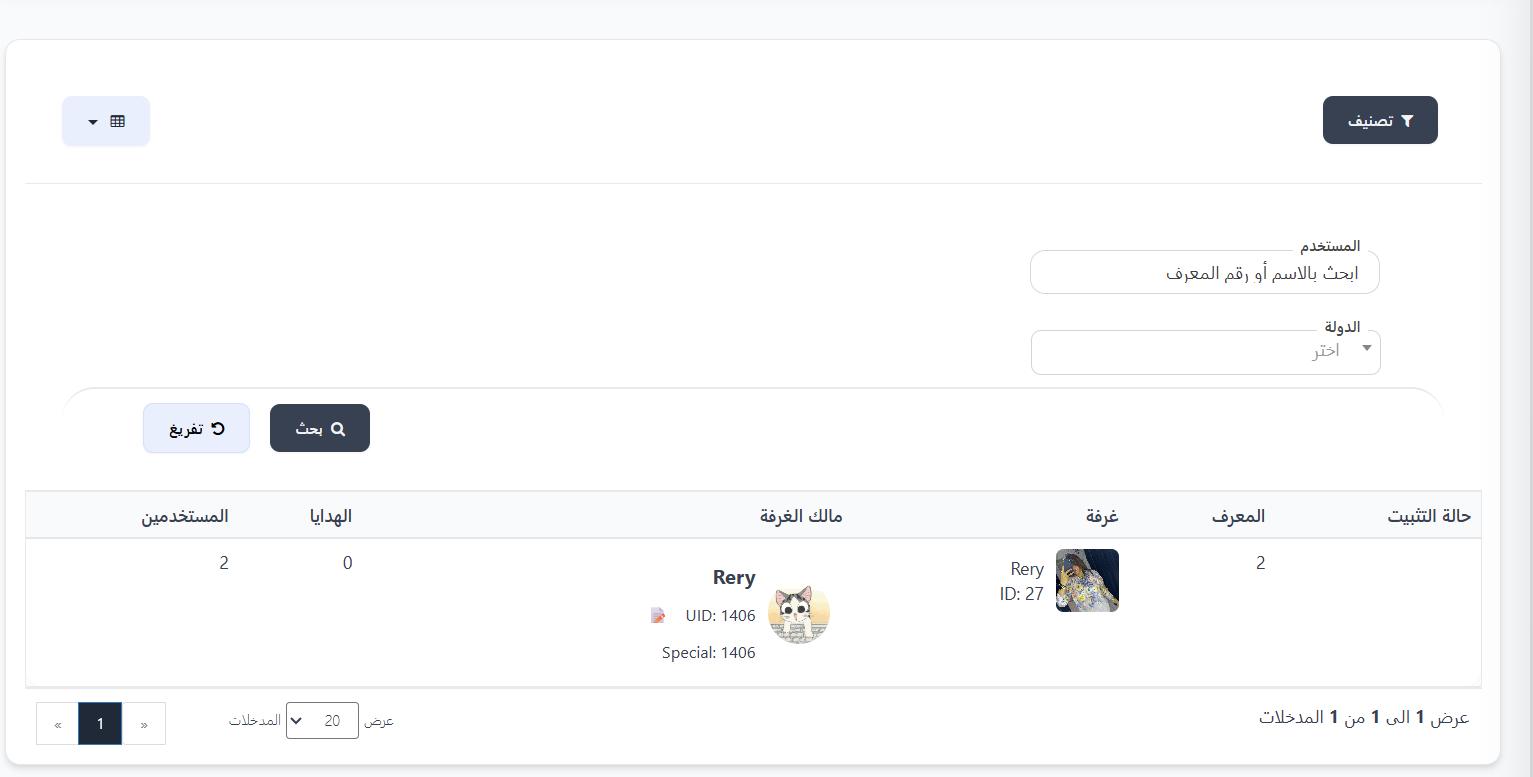
3. Manage Rooms 🏠
View room details belonging to their country and manage them.
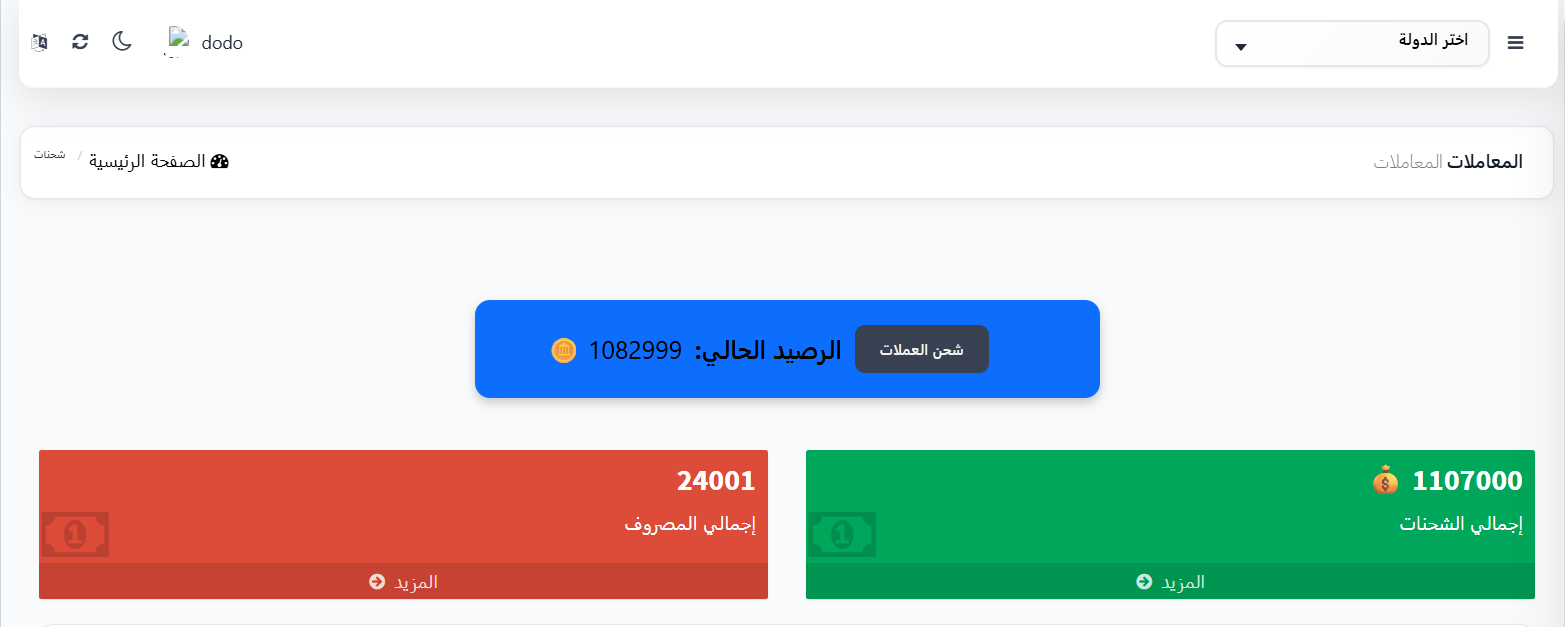
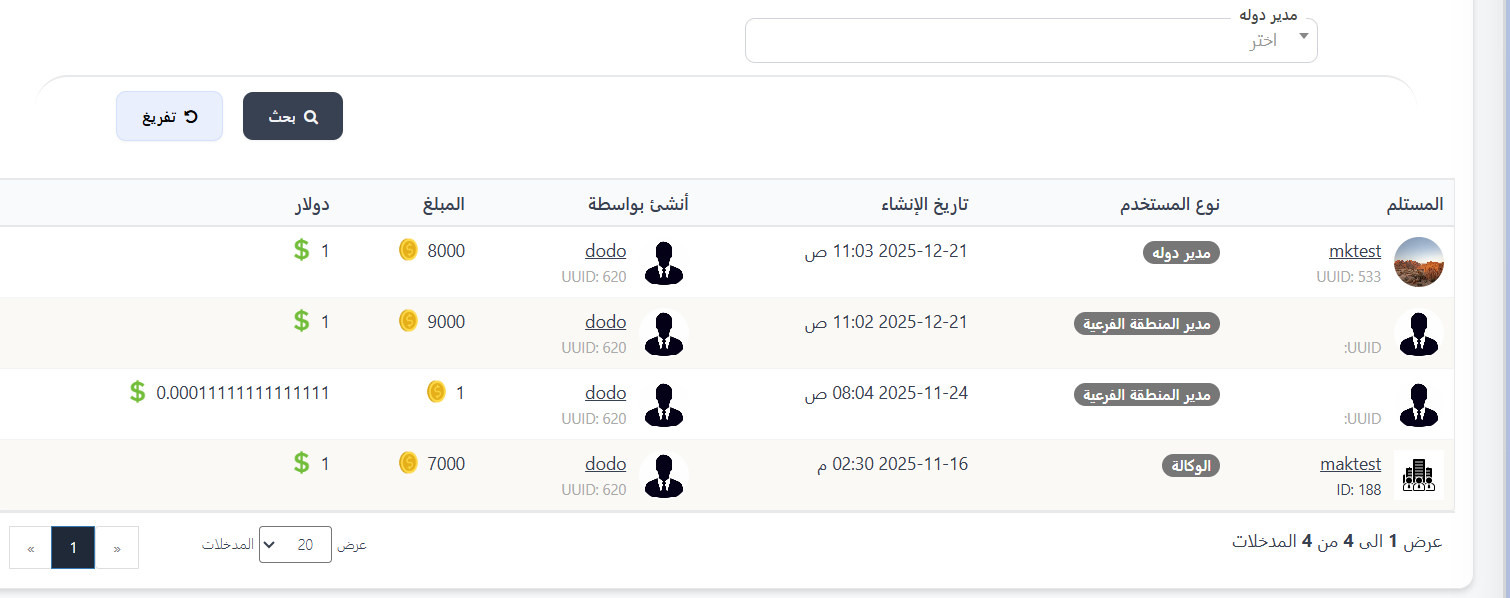
4. Charging and Balance 💳
Perform balance charging operations for users or agencies under their country.
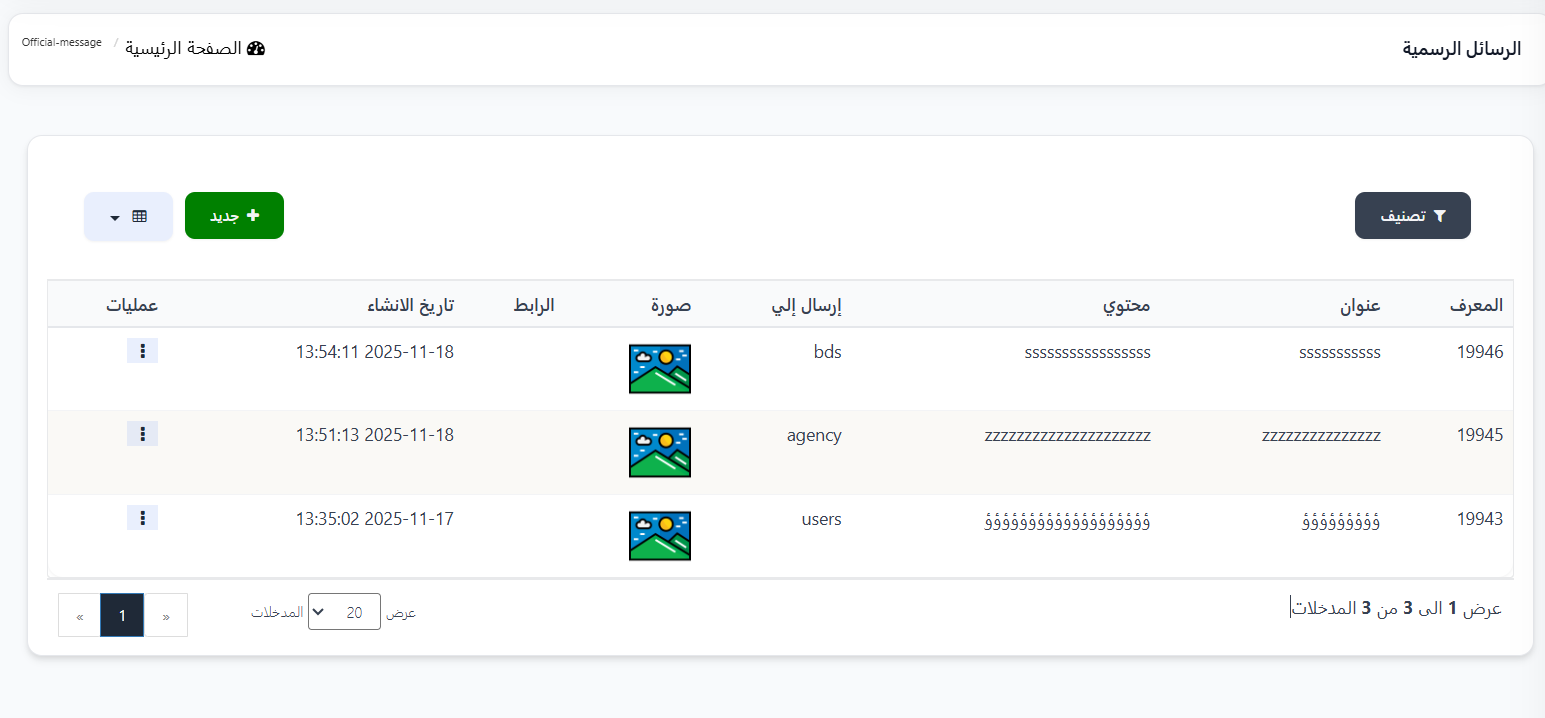
5. Send Announcements and Alerts 📢
Send announcements and alerts to agency owners, rooms, or users belonging to their country.
6. Send Gifts 🎁
Send gifts and rewards to users belonging to their country.
7. Staff Management 👨💼
Manage staff and assign permissions and roles to them.
Note
All data and statistics displayed in the country manager's dashboard are specific only to their country. They cannot access data from other countries.
Tip
The permissions available to the country manager are determined through the permissions settings page. Make sure to assign appropriate permissions before handing over the dashboard to the country manager.
## الخطوة التالية