⚙️ Settings - Overview
The Settings section is the control center of your application, where you can customize every aspect to ensure the application works the way that suits your needs.
How to Access Settings
From the side menu, click on "Settings" then choose the sub-section you want to modify.
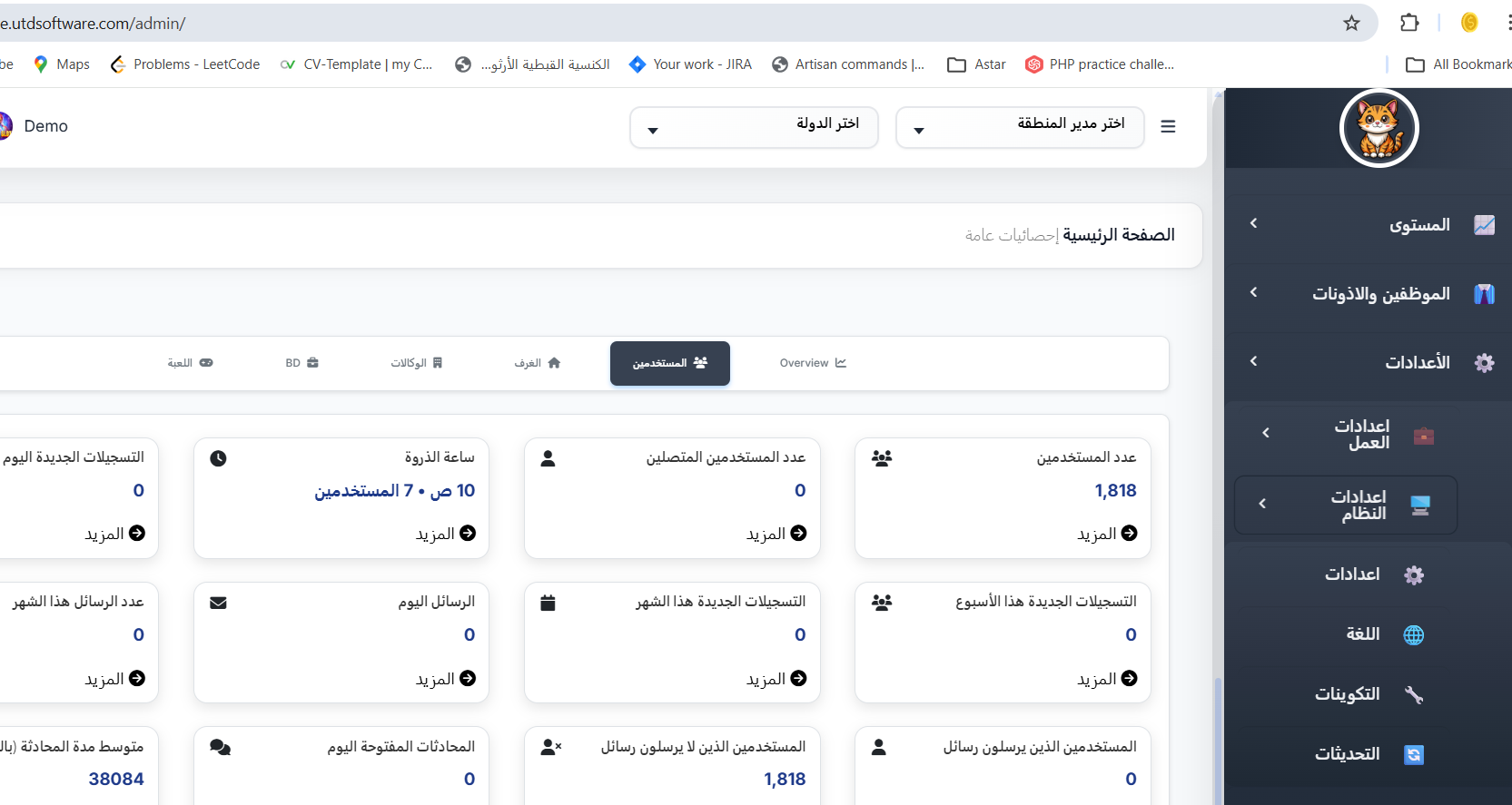
Settings Sections
| Section | What It Controls | Dashboard Path |
|---|---|---|
| 🛠️ Settings | Brand name, logo, timezone, default country/language, work week, experience rates, currency exchange, dashboard theme colors, and app appearance colors | Open |
| 💳 Payment | Payment gateway activation and credentials (Stripe, Fawry) | Open |
| 🔔 Pusher | Real-time notification service configuration — App ID, Key, Secret, Cluster, and webhooks for live room events | Open |
| 📹 Zego | Video and audio communication service setup — AppID, AppSign, ServerSecret, and server callbacks for live streaming | Open |
| 🔤 Language | Activate or deactivate languages available in the app; set the default language users see on first launch | Open |
| 🌍 Countries | Activate countries for user registration and room filtering; organize countries by continent categories | Open |
App Customization Sections
| Section | What It Controls | Dashboard Path |
|---|---|---|
| 📟 Default Screen | Choose the first screen users see when they open the app | Open |
| 📱 Add-ons | Enable or disable optional app features (video settings, agency features, games, etc.) | Open |
Settings Page Tabs
The main Settings page (open) contains the following tabs:
| Tab | Description |
|---|---|
| Brand Settings | App name (Arabic & English) and logo image |
| Time Settings | Timezone, default country, default language, and work week configuration |
| Work | Experience rates for Wealth, Charm, Charges, Rooms, and CP; currency exchange (diamond-to-coin ratio) |
| Color Settings | Dashboard theme colors — dark/light mode, preset themes, primary/secondary/text colors, and brand background |
| App Settings | Mobile app interface colors — primary color, background, navigation bar, header text, and button text colors |
| Payment | Payment gateway credentials and activation |
| Audio & Video | Pusher and Zego service configuration |
| Games | Game-related settings |
| Notifications | Notification configuration |