🎠 Banner Settings
Introduction
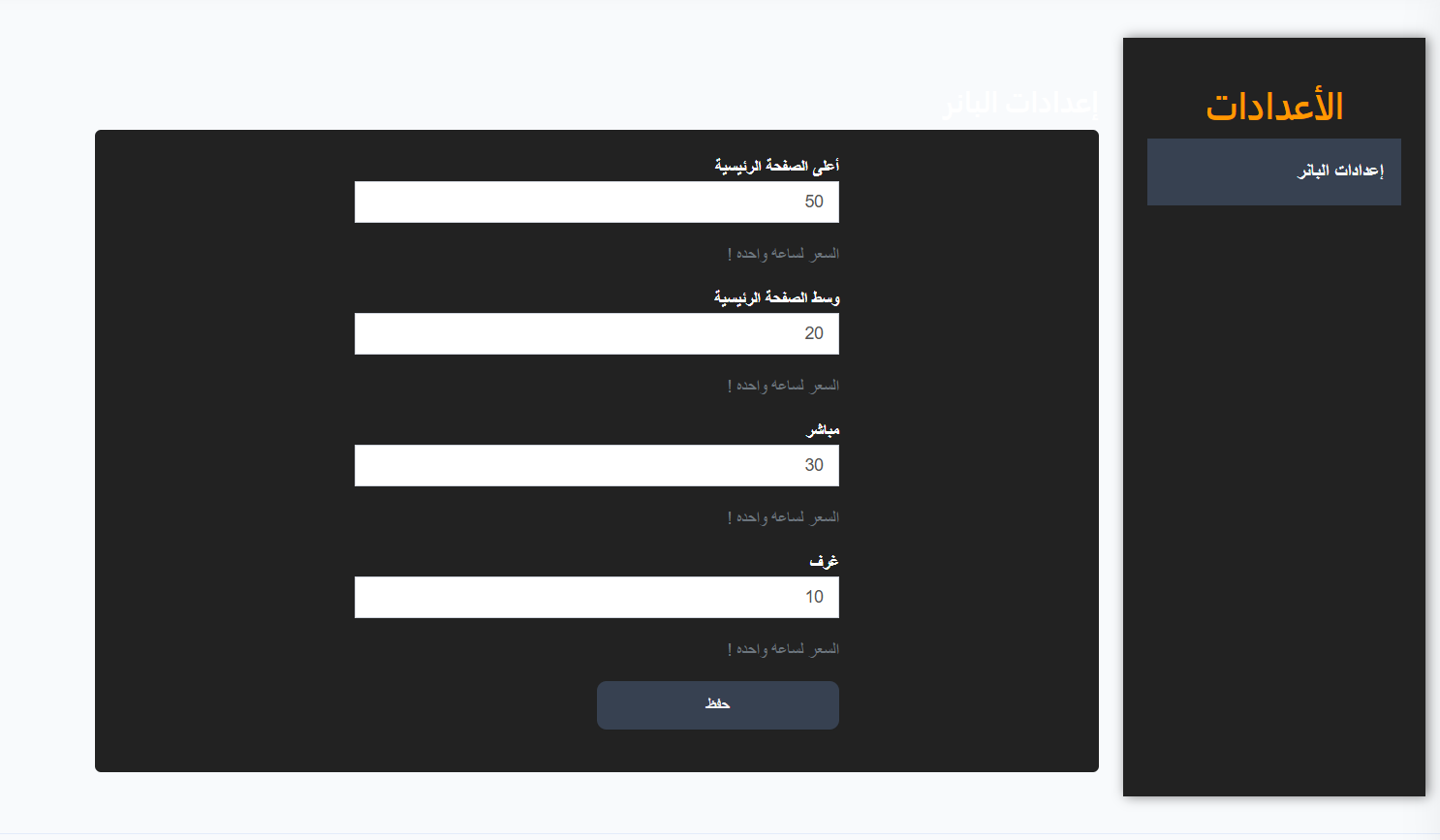
The Banner Settings page is used to set advertising banner display prices at different locations within the app. The price is set per hour of display based on the banner location.
How to Access
Sidebar Menu → Ads → Banner Settings
Or via direct link:
Banner Locations and Prices
The page contains 4 advertising locations, each with a price per hour:
| Location | Description | Default Price |
|---|---|---|
| Top of Home Page | Banner appears at the top of the app's home page | 50 |
| Middle of Home Page | Banner appears in the middle of the home page | 20 |
| Live | Banner appears in the live streaming section | 30 |
| Rooms | Banner appears in the rooms section | 10 |
Note
All prices are per hour of display. The longer the banner is displayed, the higher the total cost.
Editing Prices
To edit banner location prices:
- Enter the desired price in each location's field
- Click the "Save" button to apply changes
Important Notes
Tip
- Set the Top of Home Page price highest as it's the most visible location to users.
- The Rooms price is usually the lowest as its audience is more specialized.
Warning
- Changing prices only affects new banners, not currently active ones.